

Turn your Gemini Notebook into a podcast
Publish the Audio Overviews you already generate as a podcast feed of your own, then listen in Apple Podcasts, Spotify or any podcast app, on your commute or on a walk.
 Add to Chrome — It’s Free
4.84/5 · 30,000+ users on Chrome Web Store
From Audio Overview to podcast app
Your notebooks as a podcast, wherever you already listen
Gemini Notebook makes the audio and keeps it inside the notebook. The Notebook Clipper app turns those Audio Overviews into a podcast with its own RSS feed: subscribe to it in any podcast app, or submit it to Spotify, Apple Podcasts and any other directory.
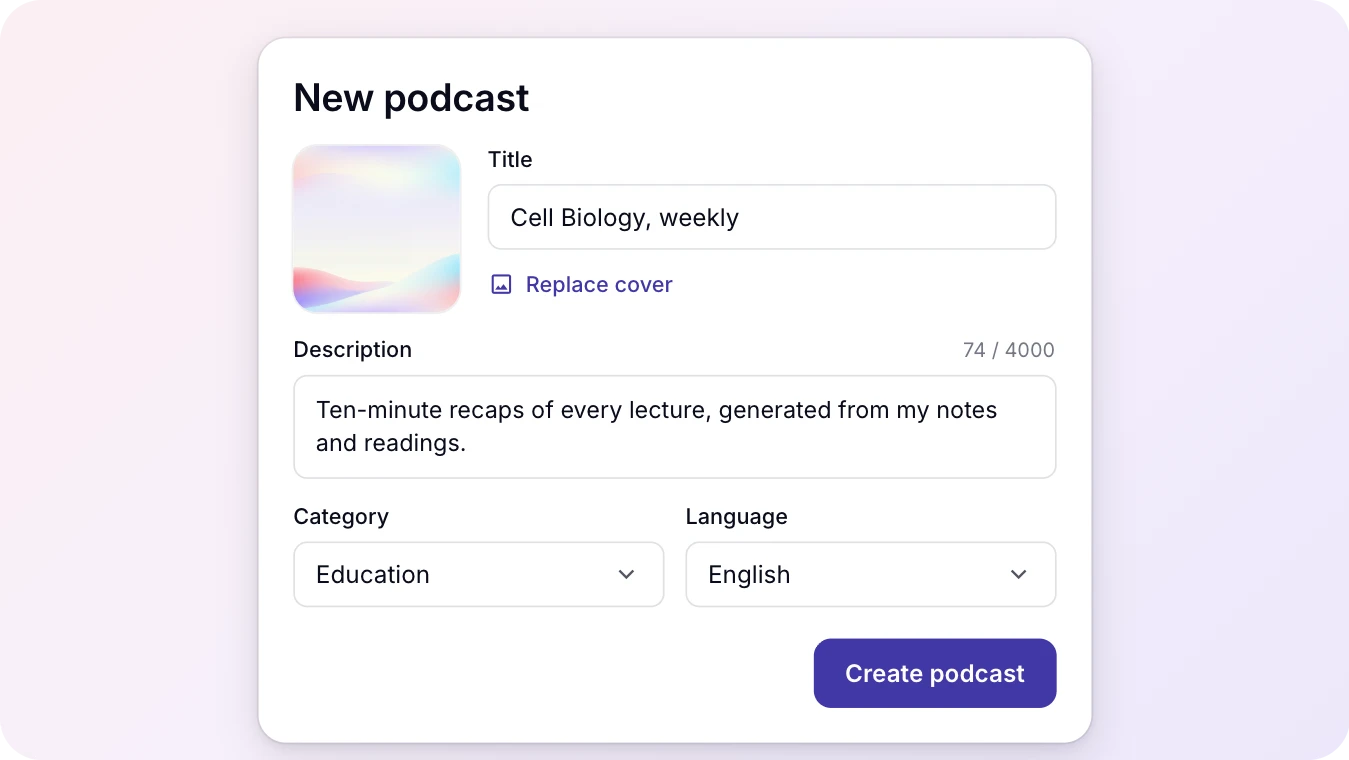
Create your podcast
Give each subject its own show. A podcast is the home your Audio Overviews were missing: episodes collect in one place, under one name, in a feed that belongs to you.
- Use your own cover, or keep the one that comes with it
- Keep separate shows for separate subjects: a course, a client, a project
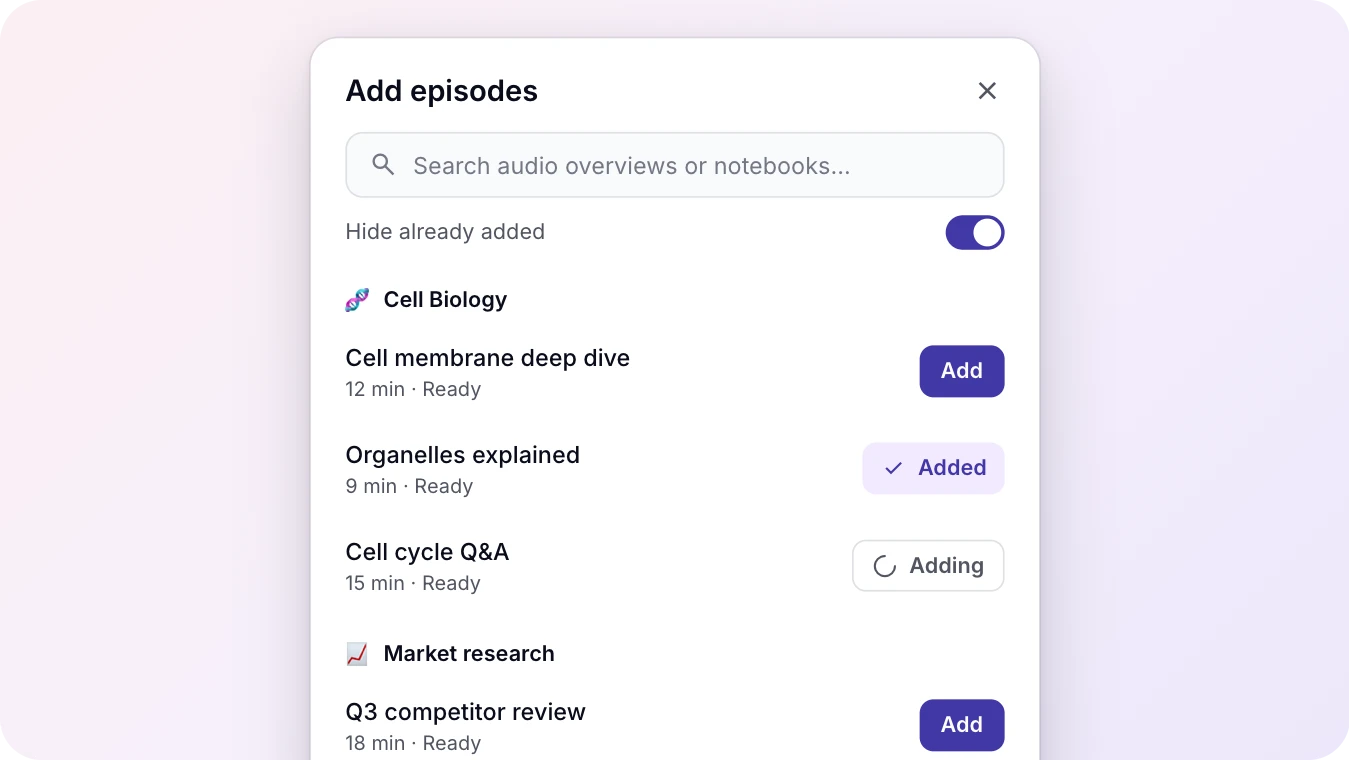
Add episodes from Audio Overviews
Every Audio Overview you generate, in any notebook, is one click from being an episode. No downloading and re-uploading: the audio goes straight from Gemini Notebook to your feed.
- Search across your notebooks, or hide the overviews already added
- Episodes stay up even if you delete the overview or the notebook later
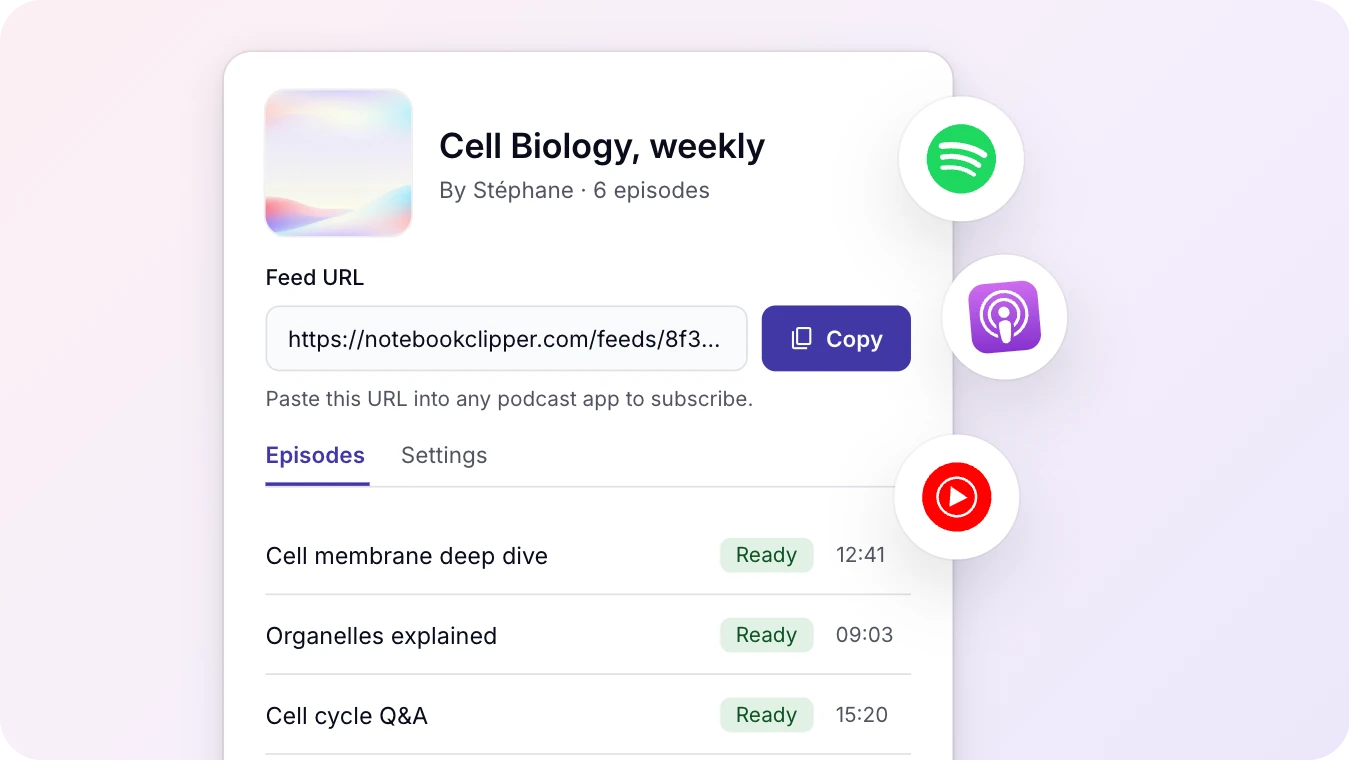
Listen in any podcast app
Your podcast has a feed of its own. Add the link to the app you already use and new episodes arrive there on their own, next to everything else you follow.
- Download episodes in your podcast app and listen offline, like any other show
- Standard RSS, so switching apps later is just adding the link again
- Submit the feed to Spotify, Apple Podcasts and other directories, or share the link with friends, colleagues or classmates
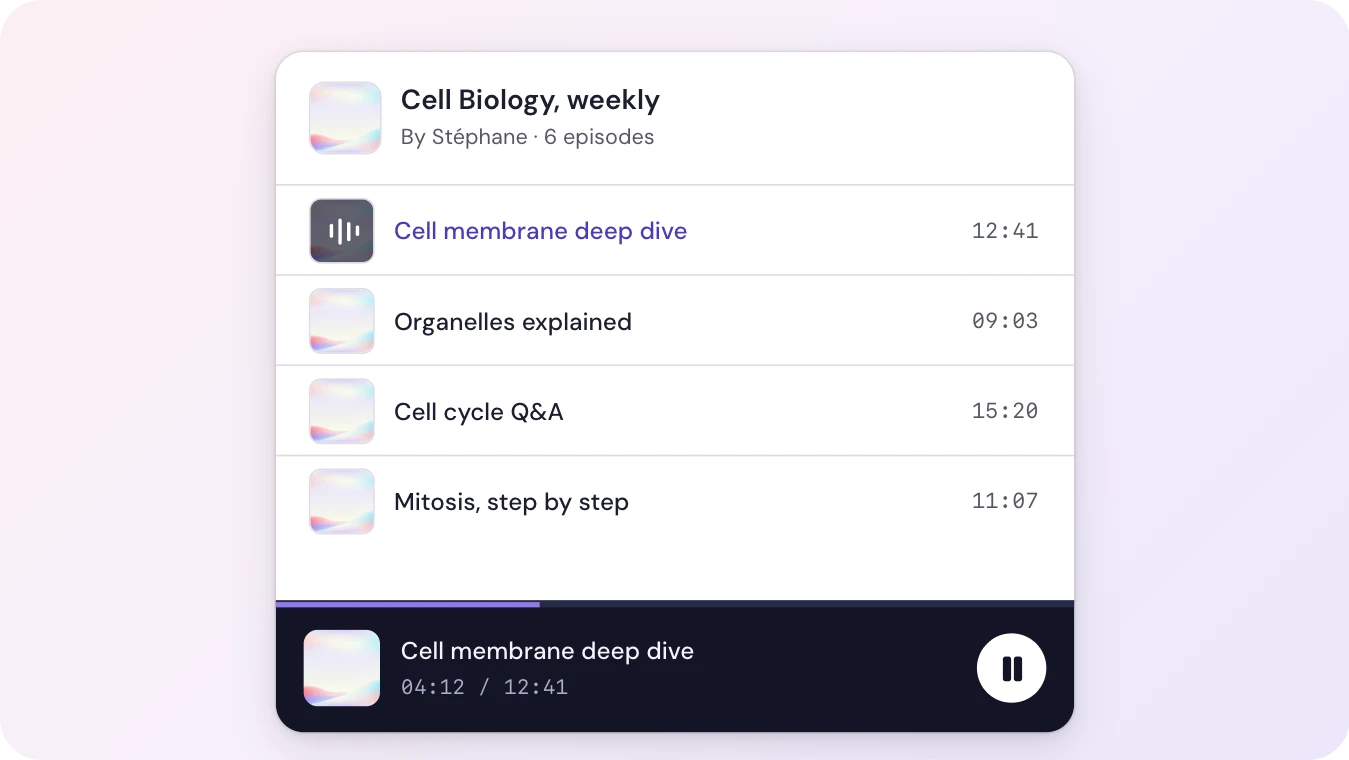
Play episodes in the Notebook Clipper app
Listen to your podcast episodes inside the Notebook Clipper app, with the same controls as your favorite streaming app.
- The player stays with you across the app, so you can manage notebooks and sources while an episode plays
- Jump from an episode straight to the notebook it came from
Testimonials
Loved by Researchers & Professionals
I have to say the UX is really well thought out. Everything works smoothly, the interface is clean, and it just feels reliable — which is rare for a browser extension. I've been using it regularly for weeks and it's become an essential part of my workflow. Honestly one of the best Chrome extensions I've come across.

Thomas Gabelle
Chrome Web Store
Frequently Asked Questions
Ready to Build Your Research Library?
Join thousands of researchers, students, and professionals who use Notebook Clipper to save anything to Gemini Notebook.
4.84/5 · 30,000+ users on Chrome Web Store