添加 YouTube Short
Notebook Clipper 会像添加普通视频一样,将 YouTube Short(含文字稿)作为一个来源添加到 Gemini Notebook 中的笔记本(原 NotebookLM)。Short 必须是公开或不公开列出的。
添加 Short
你可以通过两种方式将 Short 添加到 Gemini Notebook。
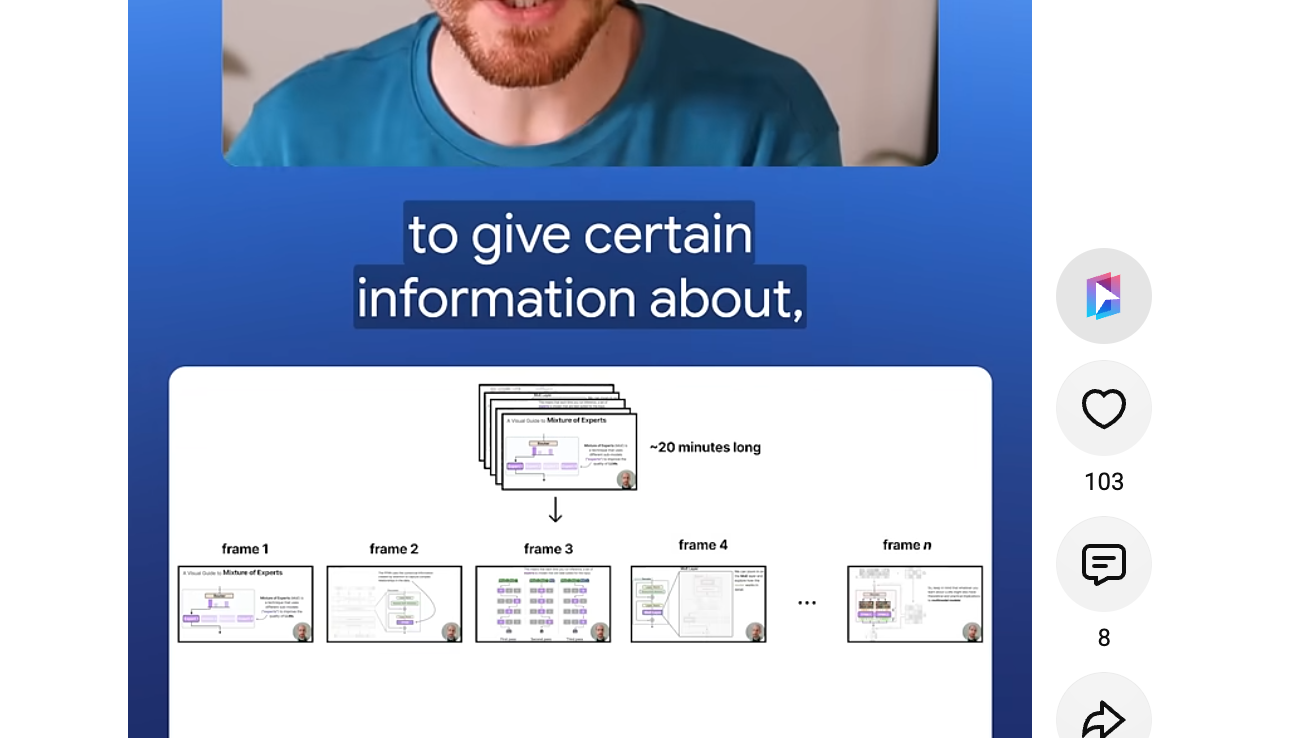
点击 Short 旁的 Notebook Clipper 图标
该图标位于 Short 旁操作栏的顶部,在“赞”上方。点击后会打开“添加到笔记本”对话框。
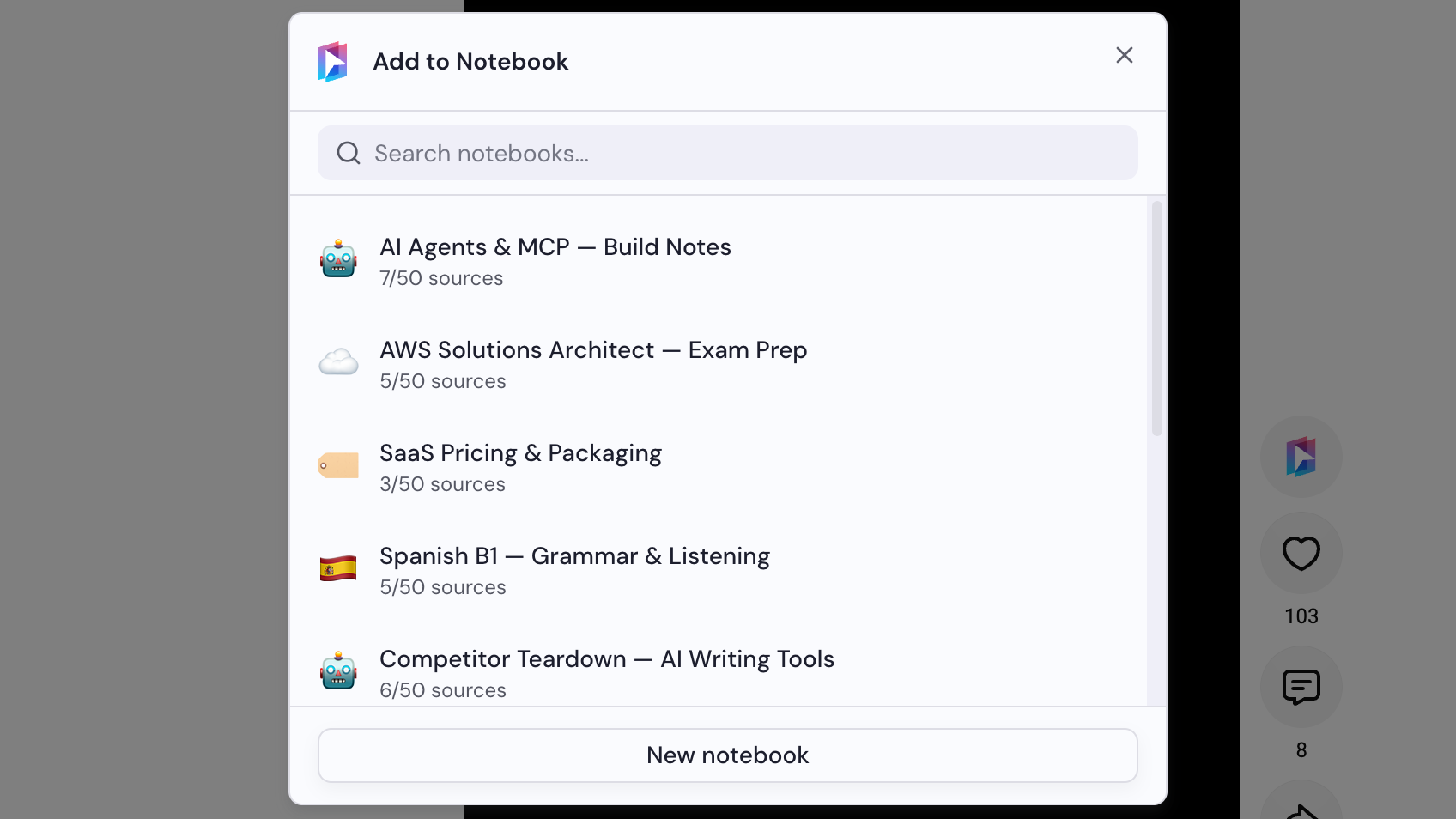
选择笔记本
在“添加到笔记本”对话框中选择笔记本,或点击“新笔记本”来创建。选择笔记本后,Short 会立即添加。