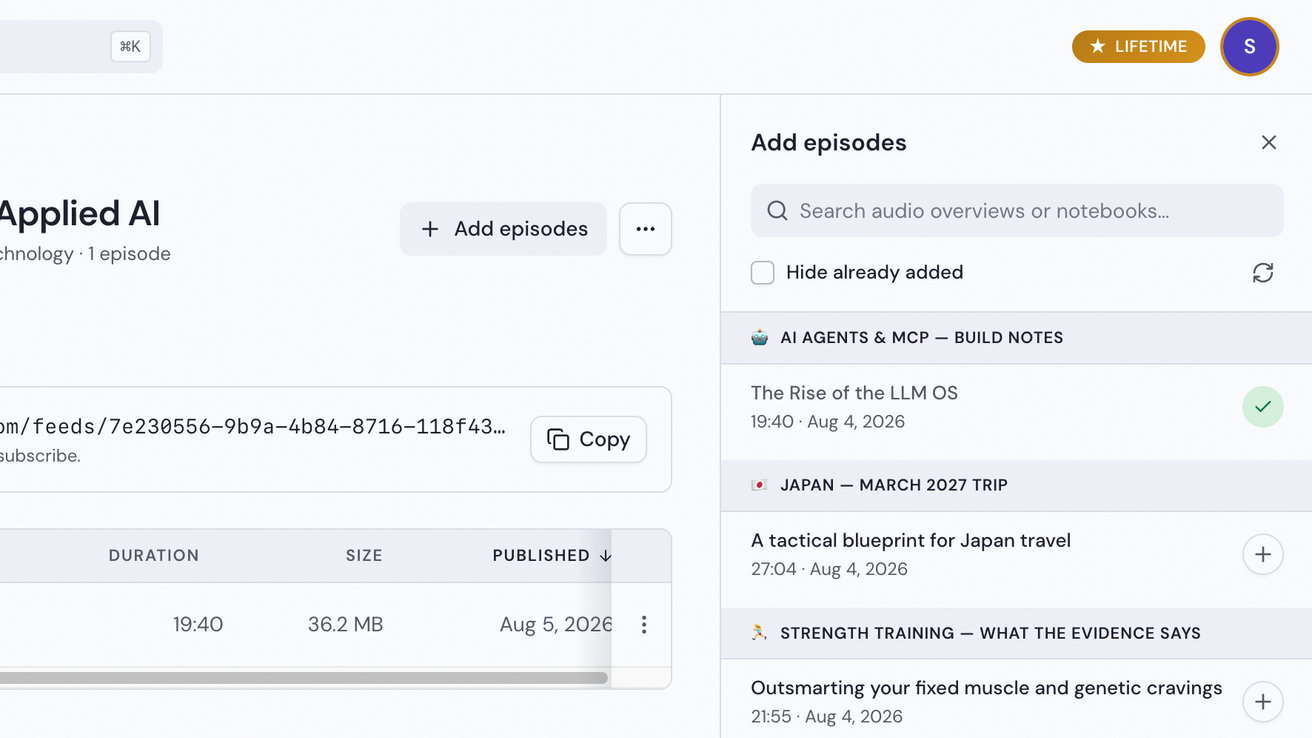
Aggiungi episodi
Un episodio è un Overview audio da uno dei tuoi notebook in Gemini Notebook (in precedenza NotebookLM). L'app Notebook Clipper elenca gli Overview audio di tutti i tuoi notebook, così puoi trasformare qualsiasi Overview audio in un episodio del tuo podcast con un clic, pronto per essere riprodotto su Spotify, Apple Podcasts o qualsiasi altra app per podcast.
Aggiungi gli episodi
Apri l'app su Podcast, poi apri un podcast
Nell'app Notebook Clipper, fai clic su Podcast nella barra laterale, quindi fai clic su un podcast.
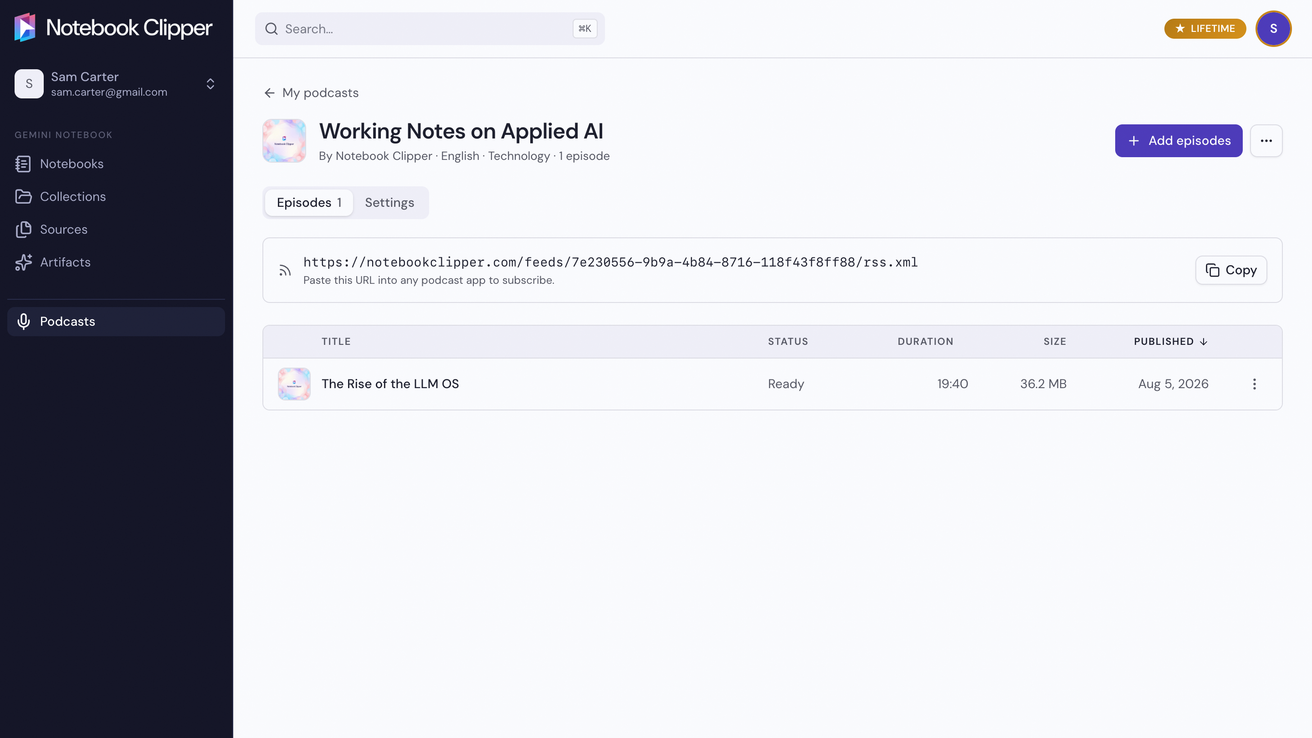
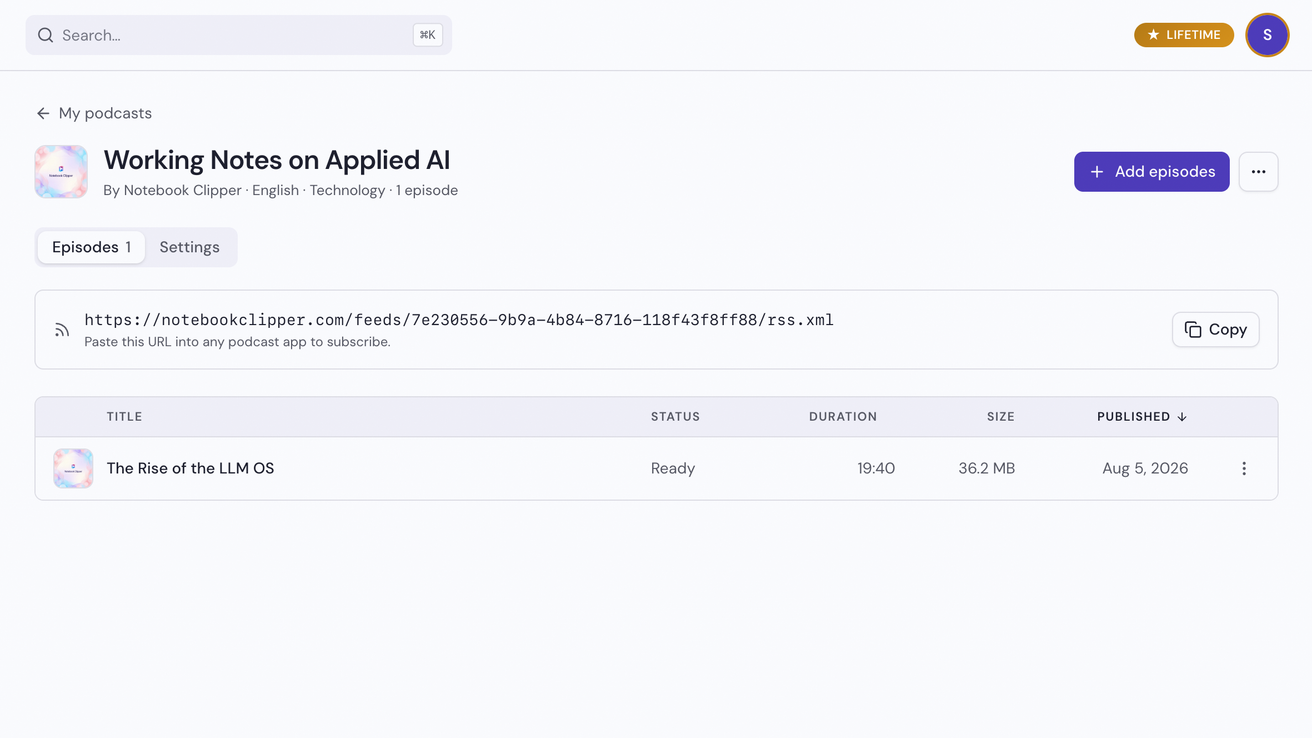
Fai clic su Aggiungi episodi
Il pulsante si trova in alto a destra nella pagina del podcast. A destra si apre un pannello con gli Overview audio di ogni notebook, raggruppati per notebook.
Fai clic su Aggiungi su un Overview audio
Aggiungi un Overview audio al podcast facendo clic sull'icona con il segno più all'estremità destra della riga. Dopo averlo aggiunto, l'episodio compare nell'elenco degli episodi del podcast, pronto per essere riprodotto.