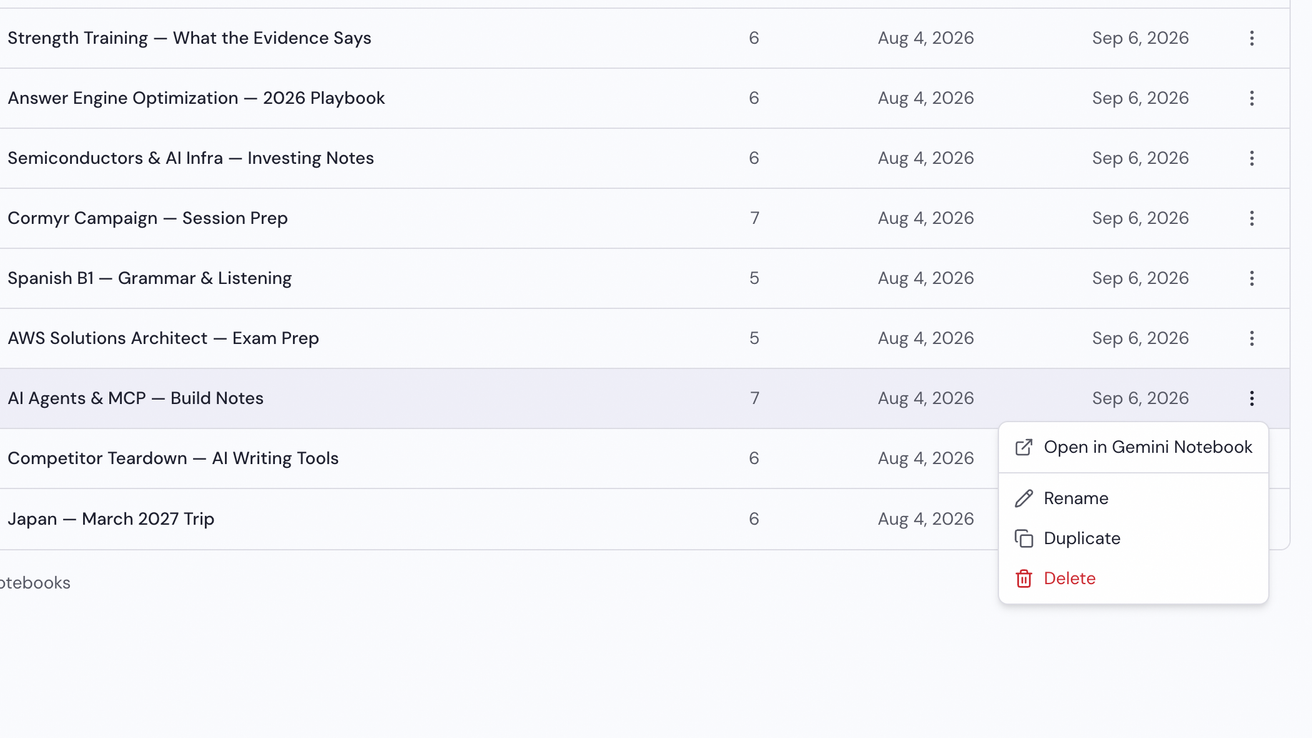
Duplicate a notebook
Notebook Clipper lets you duplicate a notebook in Gemini Notebook (formerly NotebookLM) with its sources and artifacts, so you can start a variant from an existing notebook instead of rebuilding it. The copy is made by Gemini Notebook itself, so it is a notebook of its own, and the original is not changed.
Duplicate the notebook
There are three places to duplicate a notebook.
Open the app on Notebooks
In the Notebook Clipper app, click Notebooks in the sidebar.
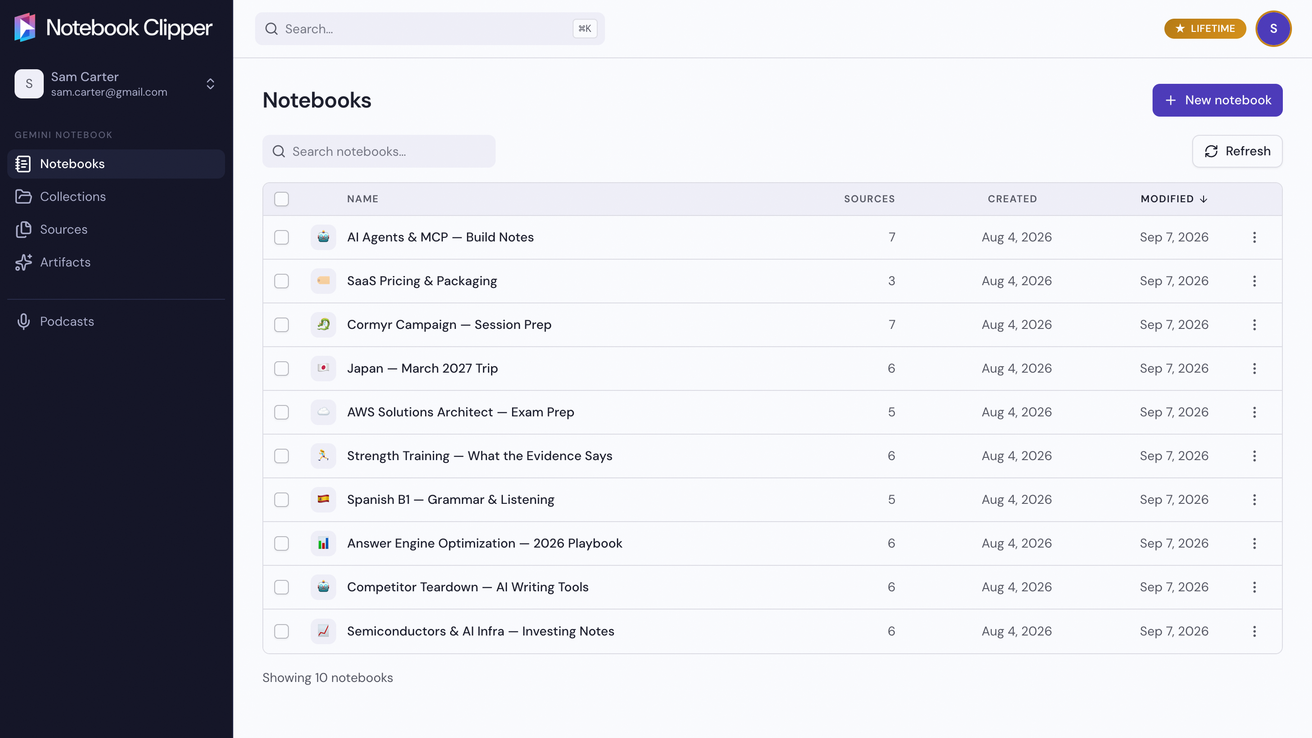
Click More on the notebook’s row, then Duplicate
More is the three-dot icon at the right end of the row, and Duplicate is the third item of its menu. The copy appears in the list when it is done.