


Delete sources in bulk
Notebook Clipper lets you delete several sources of a notebook in Gemini Notebook (formerly NotebookLM) in one pass, so you can clear out the ones you no longer need without removing them one by one. You choose which sources to delete and confirm, and the deletion is permanent, with no undo.
Delete the sources
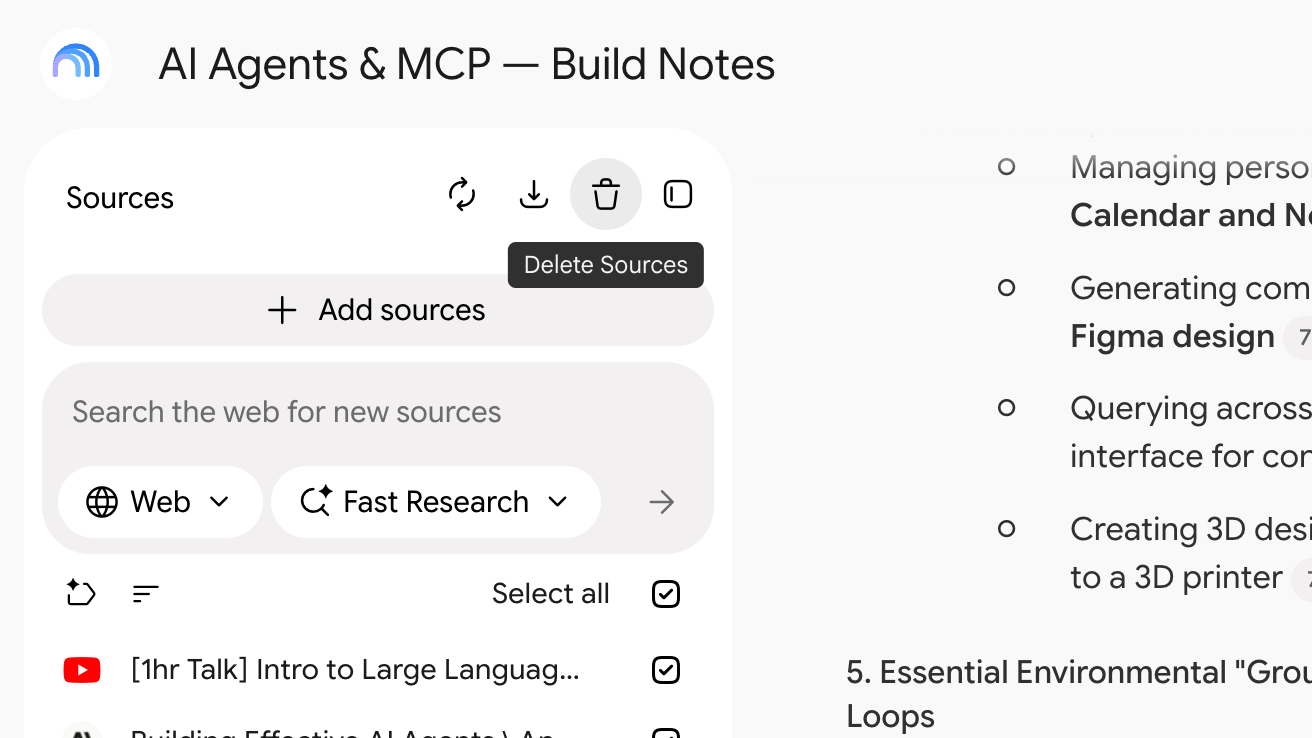
Click Delete Sources in the Sources panel header
It is the trash icon, the last of the three icons at the right of the panel header. The Delete Sources dialog opens with every source selected.
Untick the sources you keep
The search field and the type filter narrow the list, while the checkbox in the header selects or clears everything the list currently shows.
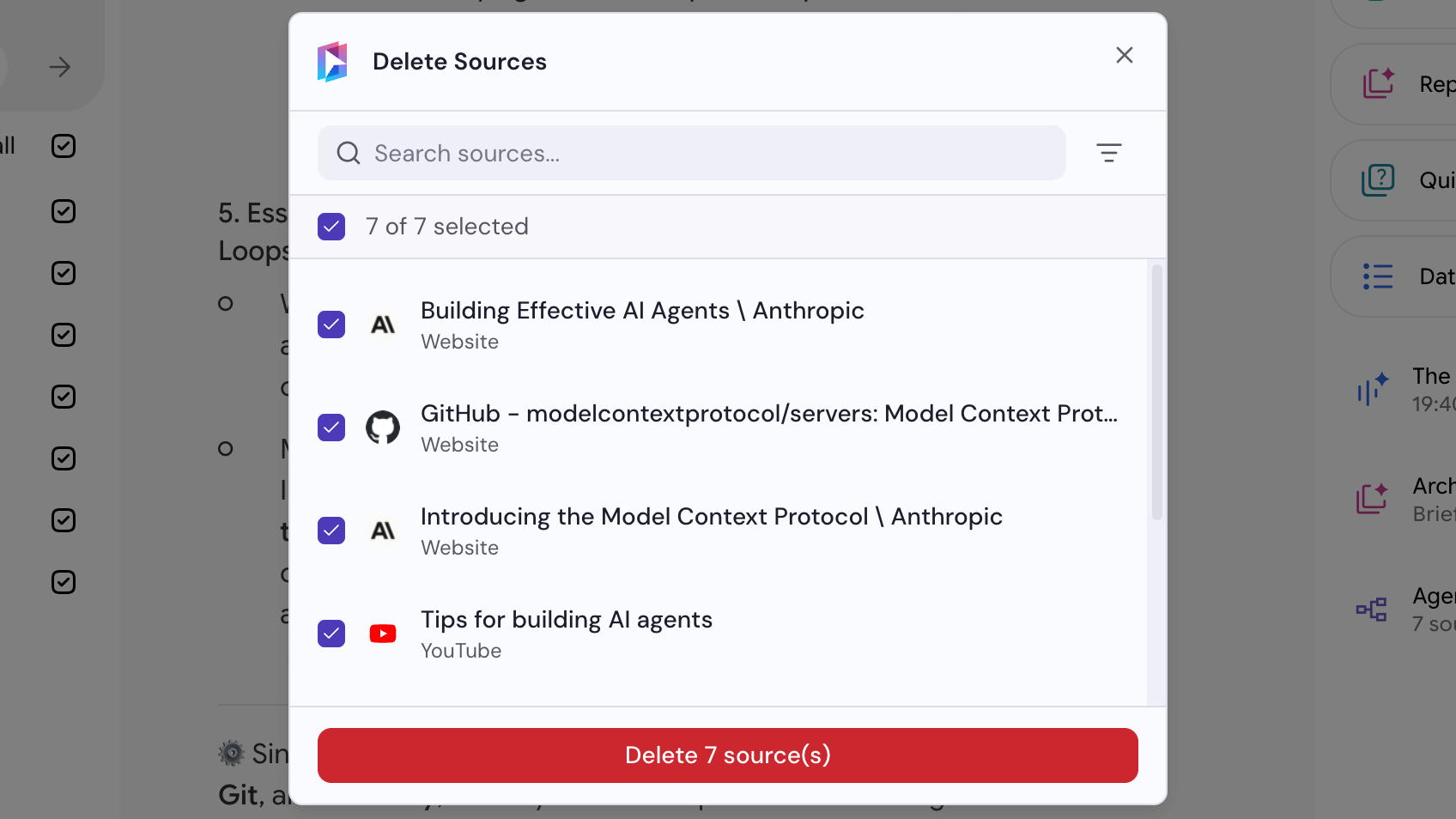
Click Delete sources
The selected sources are deleted immediately.