Search across every notebook
The search bar of the Notebook Clipper app searches through the names of every notebook, source and artifact in your Gemini Notebook (formerly NotebookLM) account, and through your podcasts and their episodes, so you can find something without remembering which notebook holds it.
Search
Open the Notebook Clipper app
Go to the Notebook Clipper web app, where the search bar sits at the top of every page.
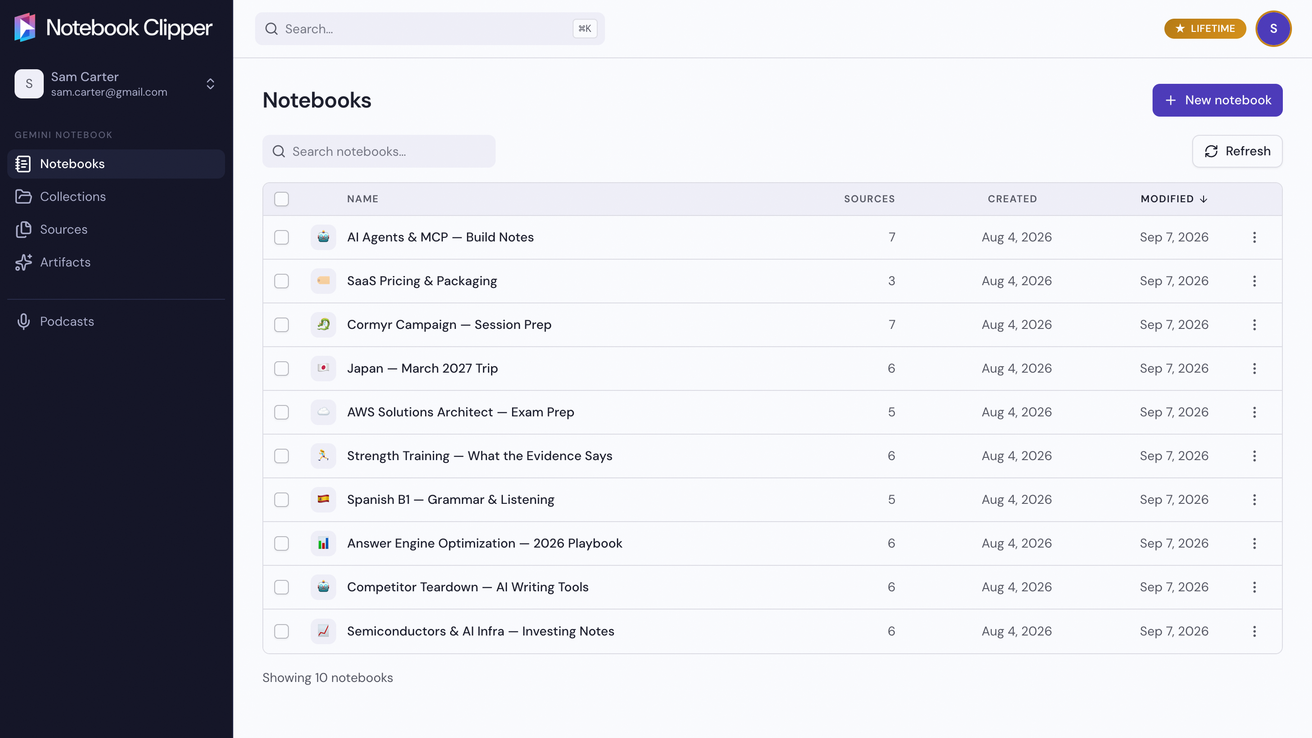
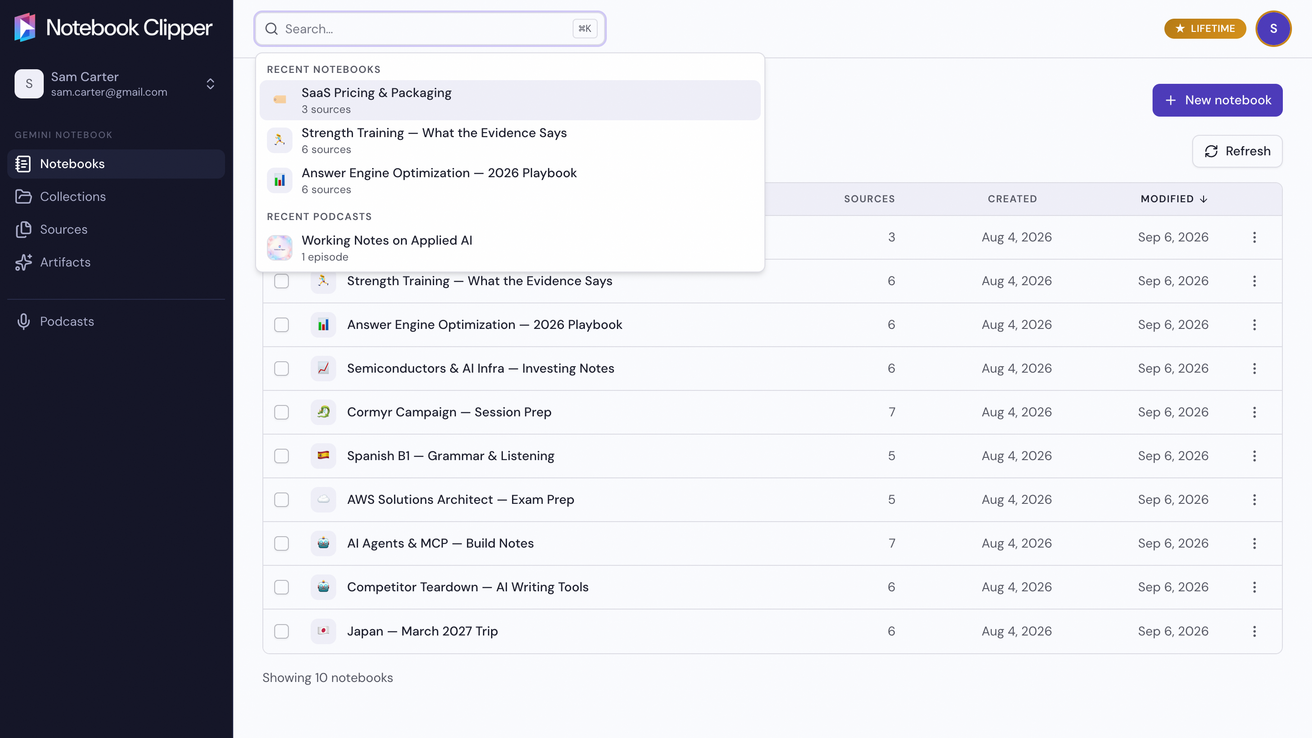
Click Search at the top of the app
The box opens with your recent notebooks and podcasts.
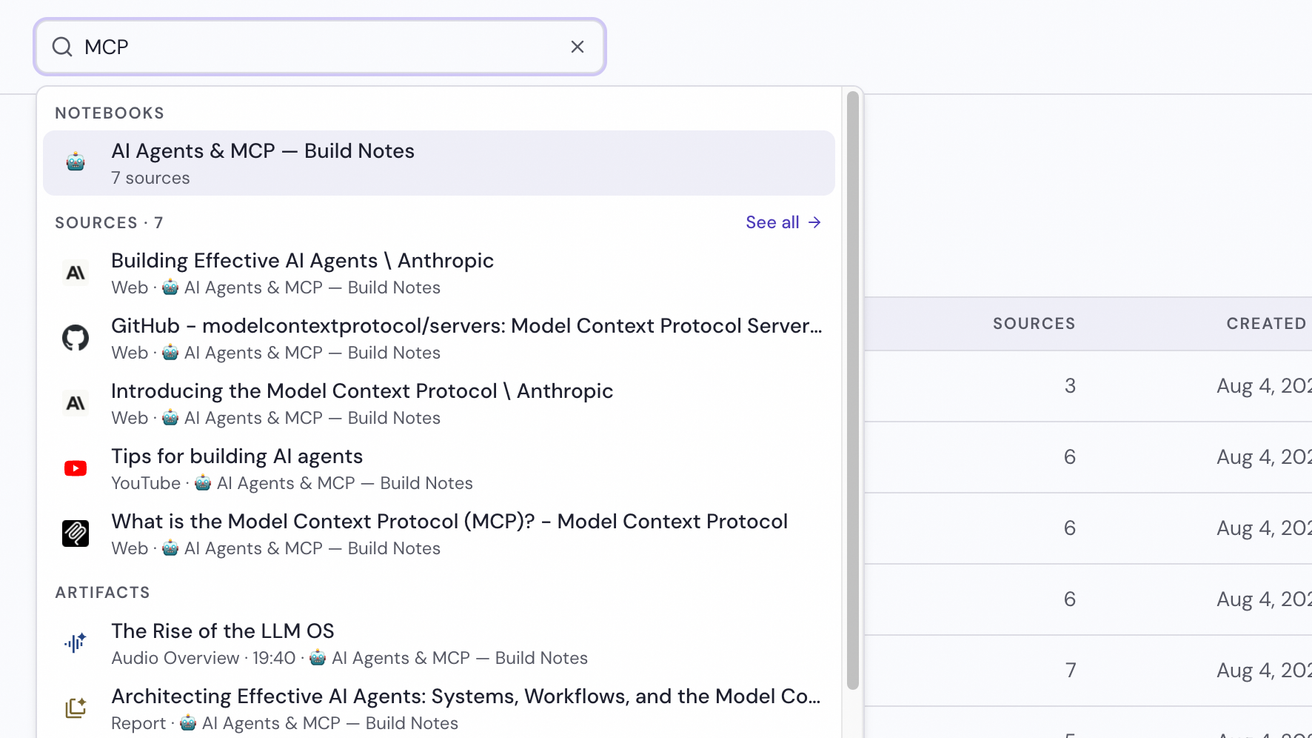
Type what you are looking for
Results come in groups of five for Notebooks, Sources, Artifacts, and Podcasts and episodes, and See all opens the full list on the group’s page. Click a result to open it.