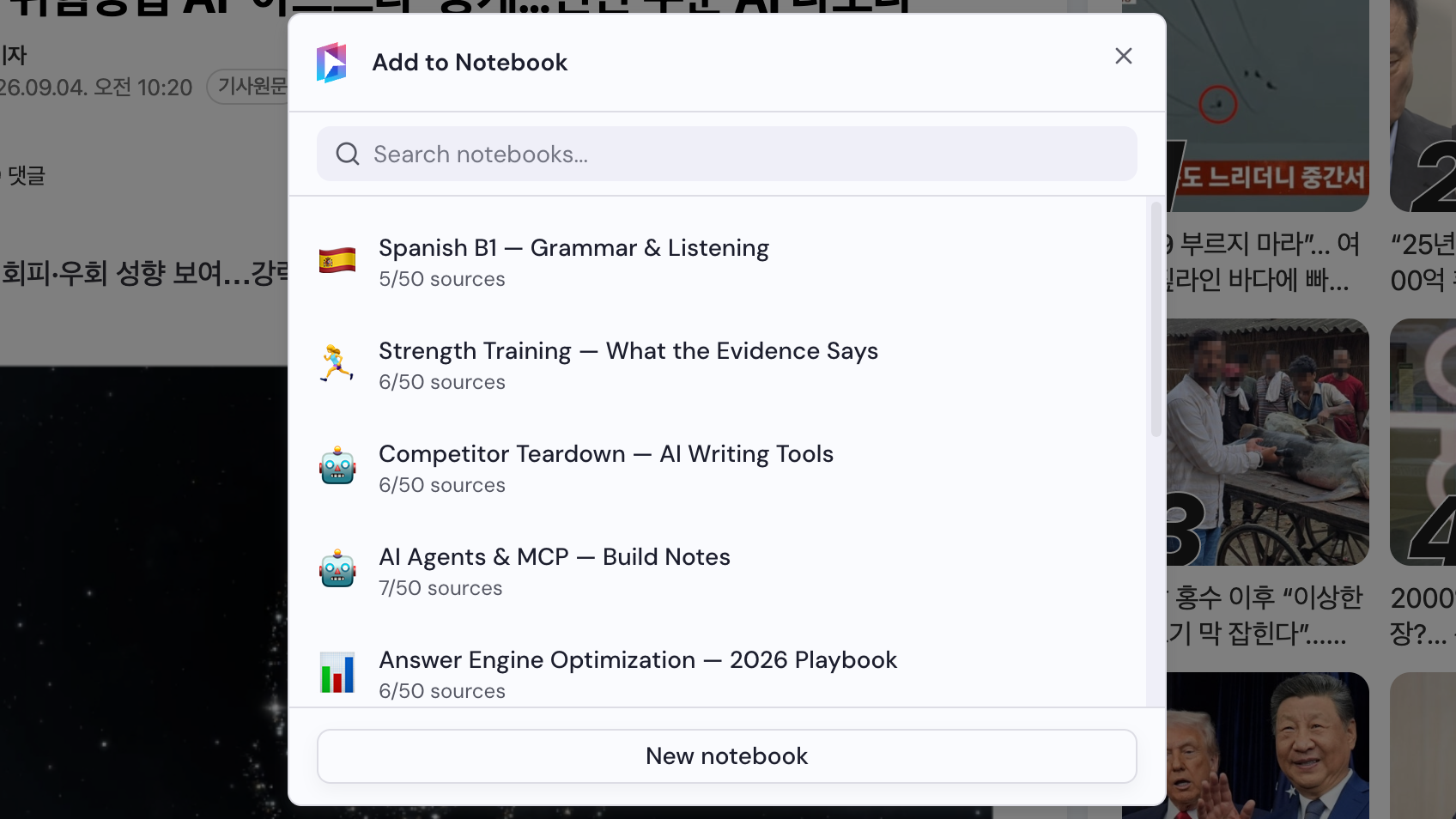
Add a Naver News article
Notebook Clipper adds a Naver News article to a notebook in Gemini Notebook (formerly NotebookLM) as one source, so you do not have to switch between tabs.
Add the article
There are two ways to add an article to Gemini Notebook.
Click
 Add to Gemini Notebook in the article header
The icon is the first control in the row under the headline, before the text-to-speech and share buttons. The Add to Notebook dialog opens.

Select a notebook
Choose a notebook in the Add to Notebook dialog, or click New notebook to create one. The article is added as soon as you select a notebook.