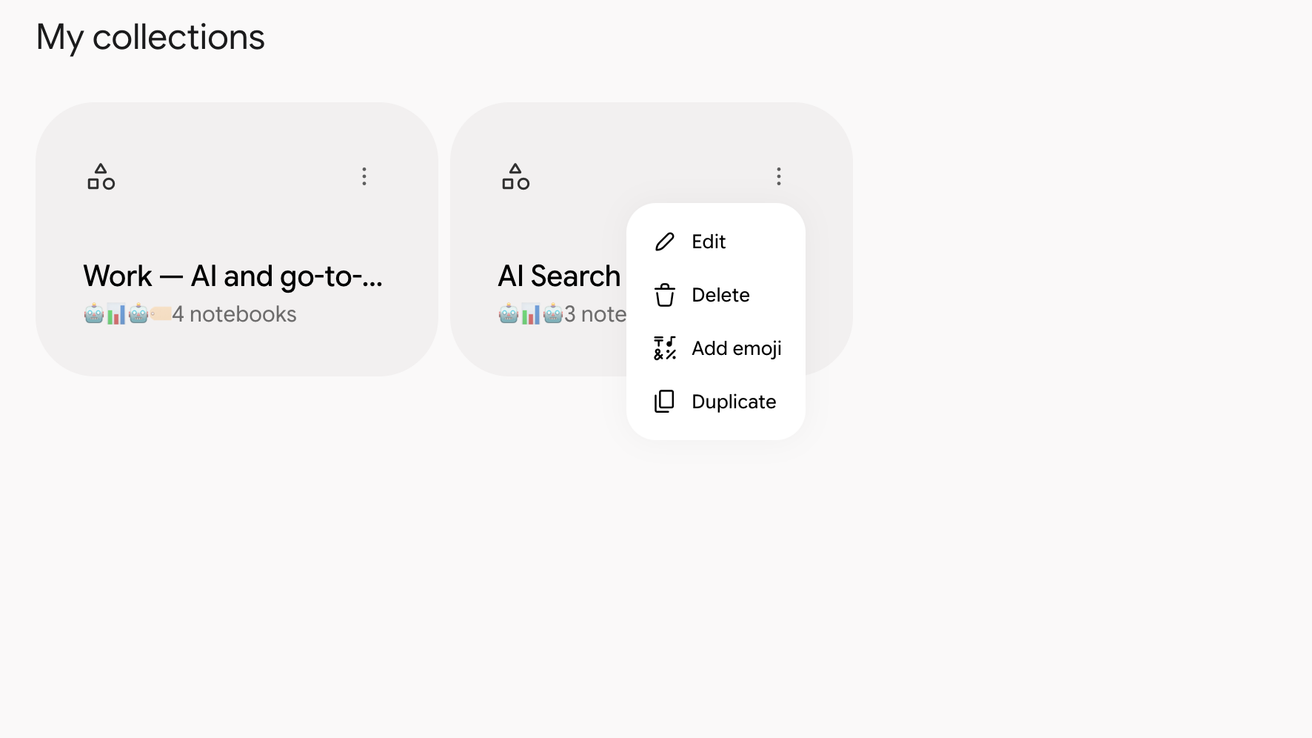
Duplicate a collection
Notebook Clipper lets you duplicate a collection on the home page of Gemini Notebook (formerly NotebookLM), so you can start a new grouping from an existing one instead of rebuilding it notebook by notebook. The copy holds the same notebooks, which stay shared between the two collections rather than being copied. The first duplication is free, and the next ones need Pro.
Duplicate the collection
Open Collections on the Gemini Notebook home page
Collections is the last tab above your notebooks.
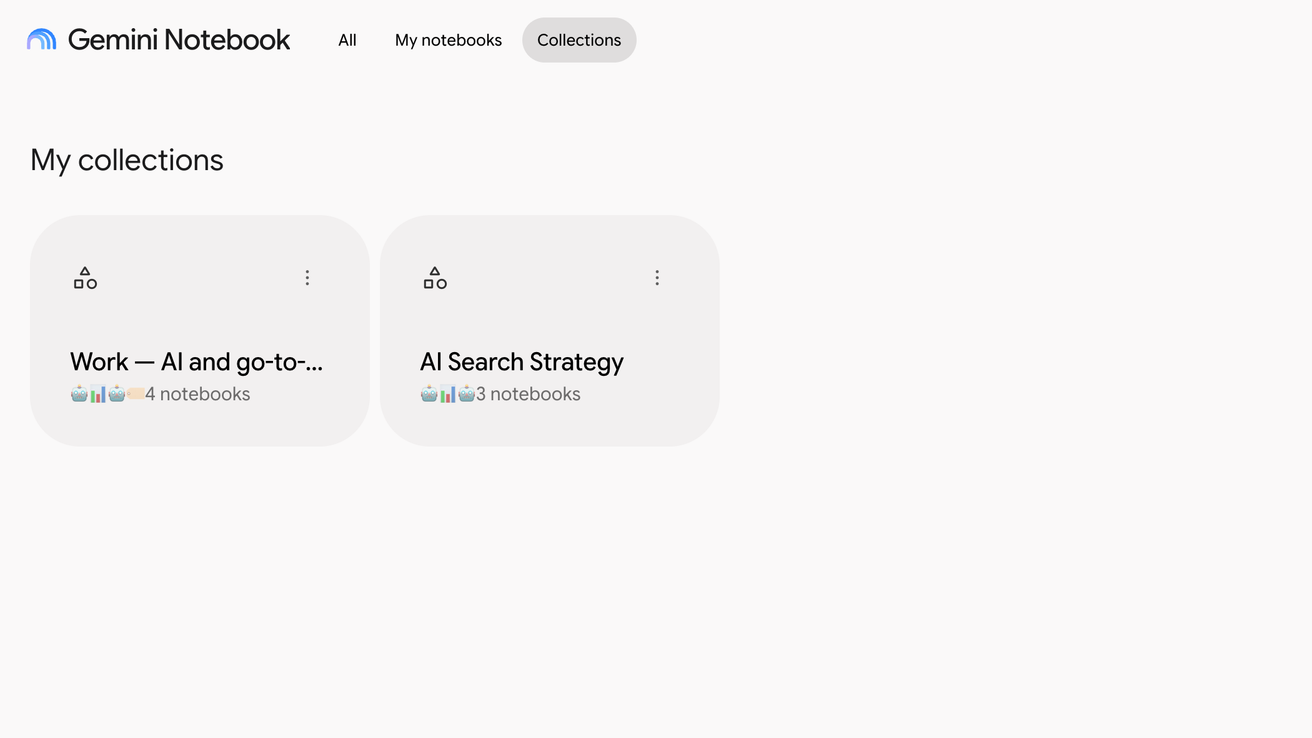
Click More on the collection, then Duplicate
More is the three-dot icon at the top right of the collection’s card, and Duplicate is the last item of its menu, after which the copy appears in the list.