


Create a podcast
A podcast in the Notebook Clipper app is a show of your own, with its own RSS feed, filled with the Audio Overviews of your notebooks in Gemini Notebook (formerly NotebookLM). Give it a title, a cover and a description, and it is ready for Spotify, Apple Podcasts and any other podcast app.
Create the podcast
Open the app on Podcasts
In the Notebook Clipper app, click Podcasts in the sidebar.
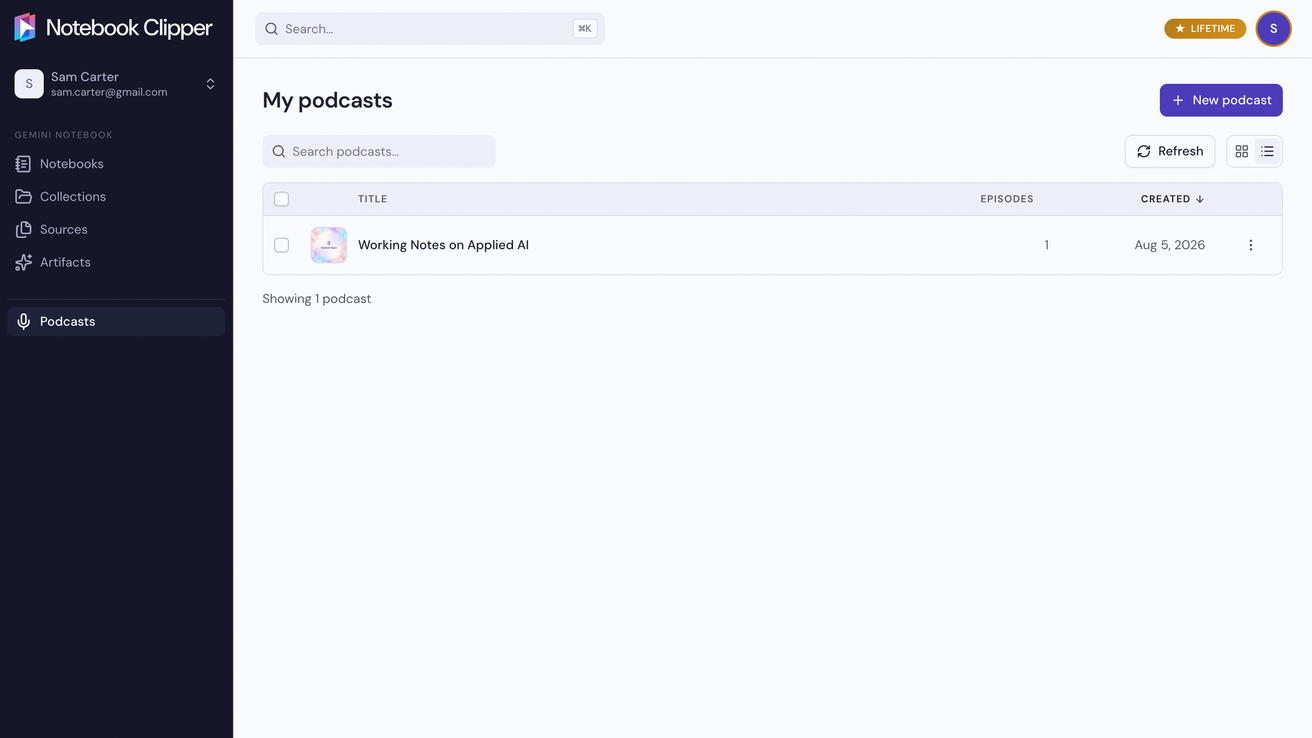
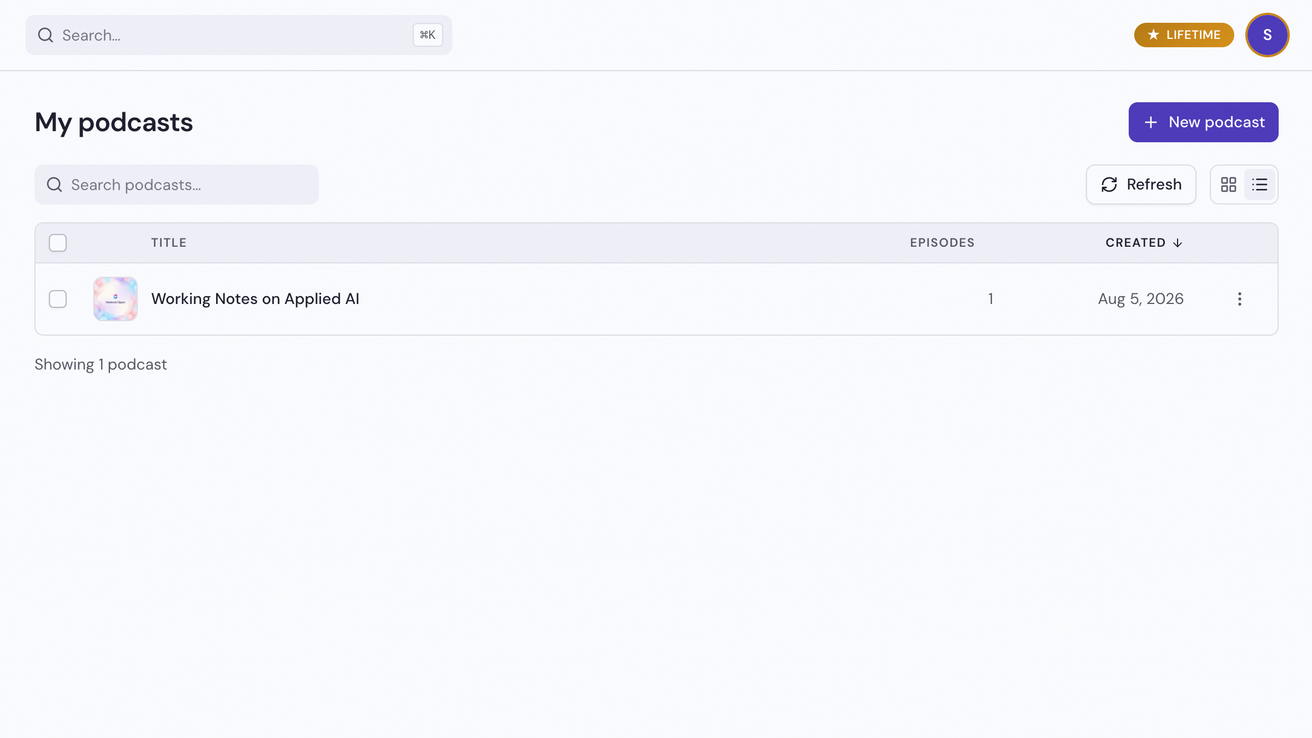
Click New podcast
The button is at the top right of the page.
Fill in the show details
The title, description, cover and author are what listeners see in Spotify, Apple Podcasts and every other podcast app, so give the show a name and a look that stand out. The language and category tell those apps where to list it.
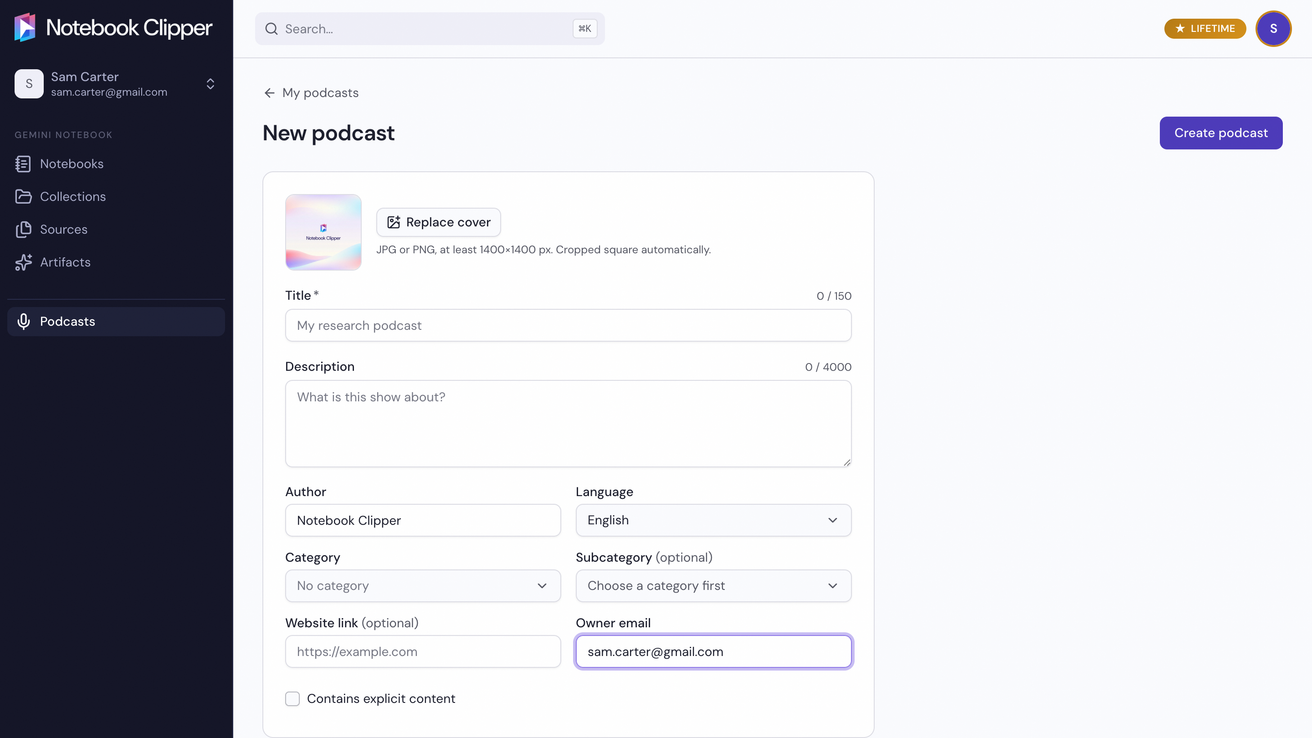
Click Create podcast
The button is at the top right of the form. The podcast’s page opens, with its feed URL and its setup steps. Settings, on that page, changes any of these later.