Add an X article
Notebook Clipper adds an X (Twitter) Article to a notebook in Gemini Notebook (formerly NotebookLM) as one source. Articles are X’s long-form posts, the ones with a title and a cover image. The source keeps the title, the author, the date and the full text.
Add the article
There are two ways to add an article to Gemini Notebook.
Click
 Add to Gemini Notebook on the article
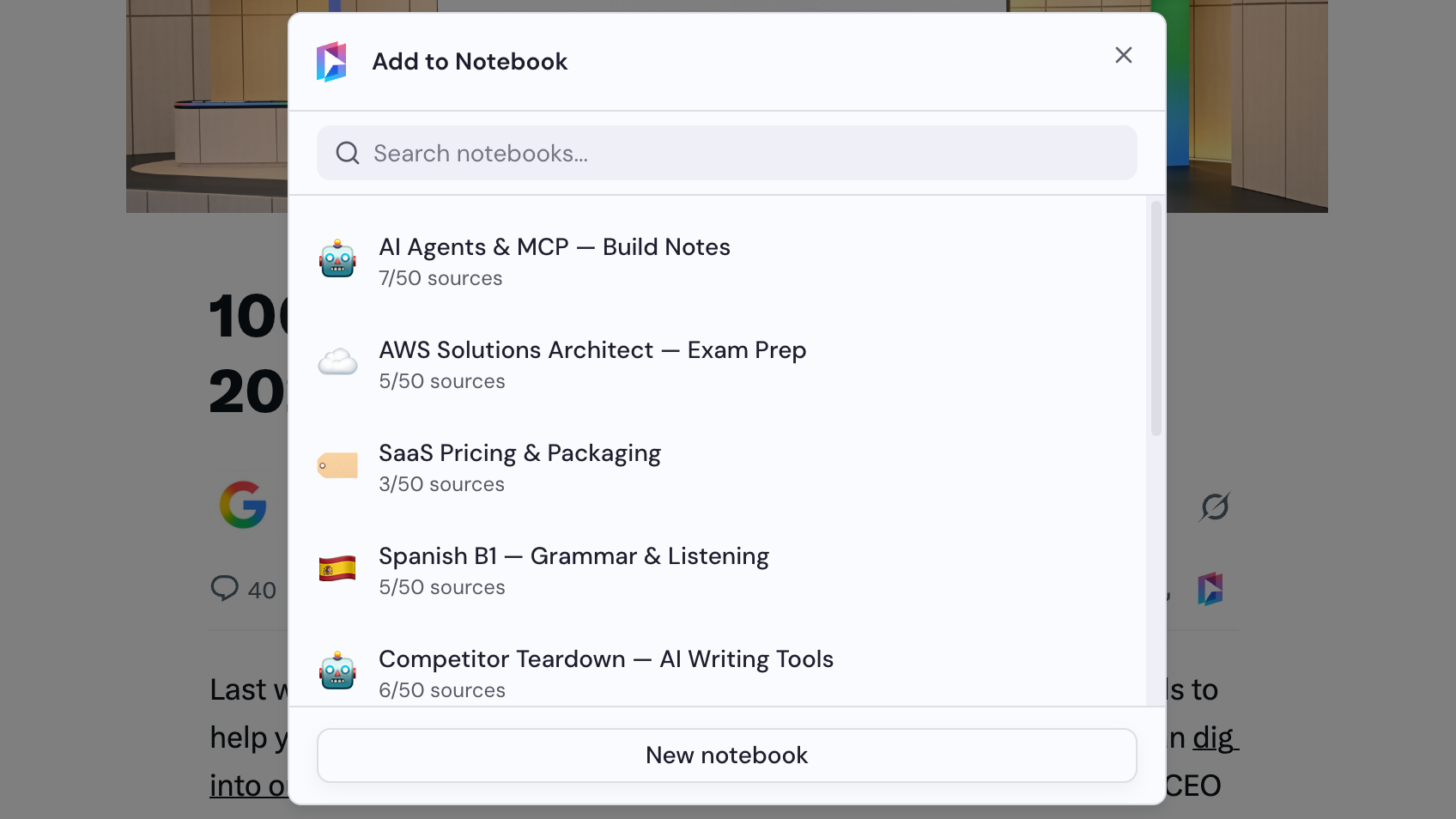
The icon sits at the end of the row under the title, after Share, and again in the toolbar at the top of the page, next to the bookmark icon. The Add to Notebook dialog opens.

Select a notebook
Choose a notebook in the Add to Notebook dialog, or click New notebook to create one. The article is added as soon as you select a notebook.