


Add your X likes
Notebook Clipper adds the posts you have liked on X (Twitter) to a notebook in Gemini Notebook (formerly NotebookLM), each post as its own source or all of them as one combined source. Your likes live under History on X, on the Likes tab.
Add the posts
Open the side panel on your Likes
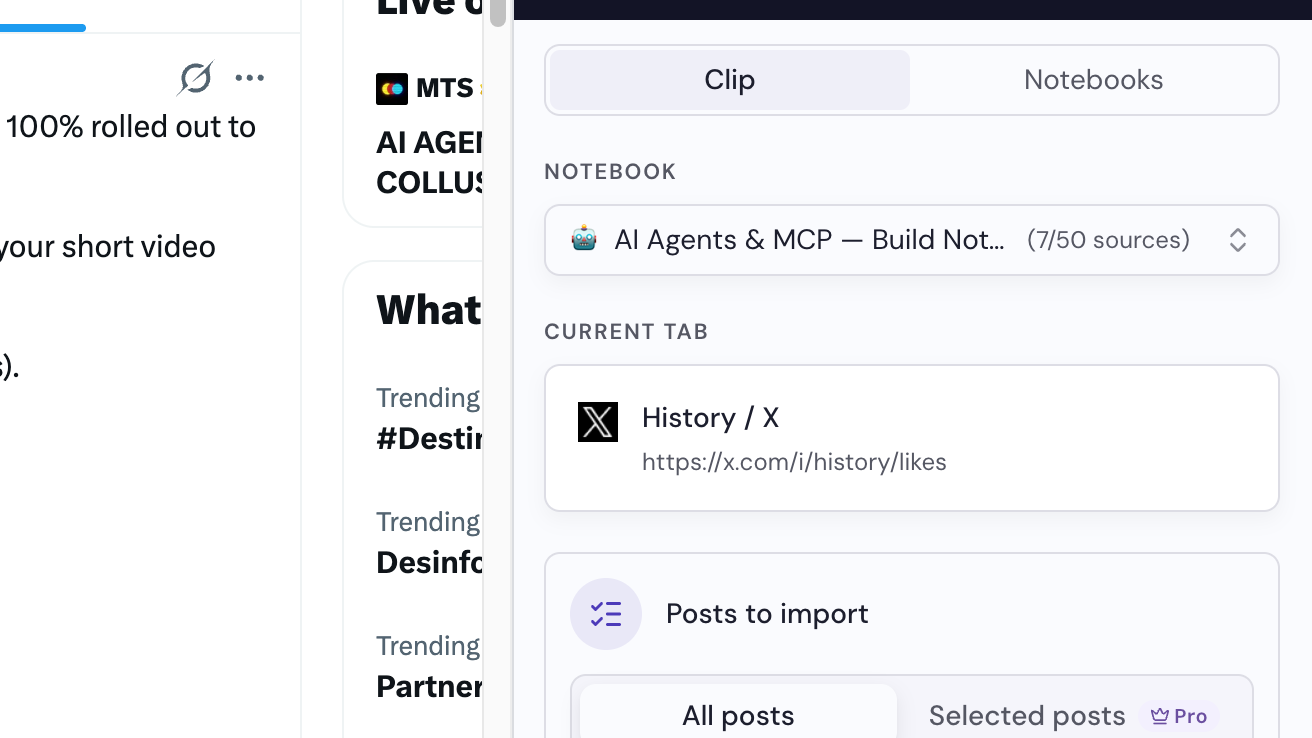
On X, open History in the left menu and switch to the Likes tab, then click the Notebook Clipper icon in your browser’s toolbar. The panel shows the page under Current Tab, with Posts to import set to All posts.
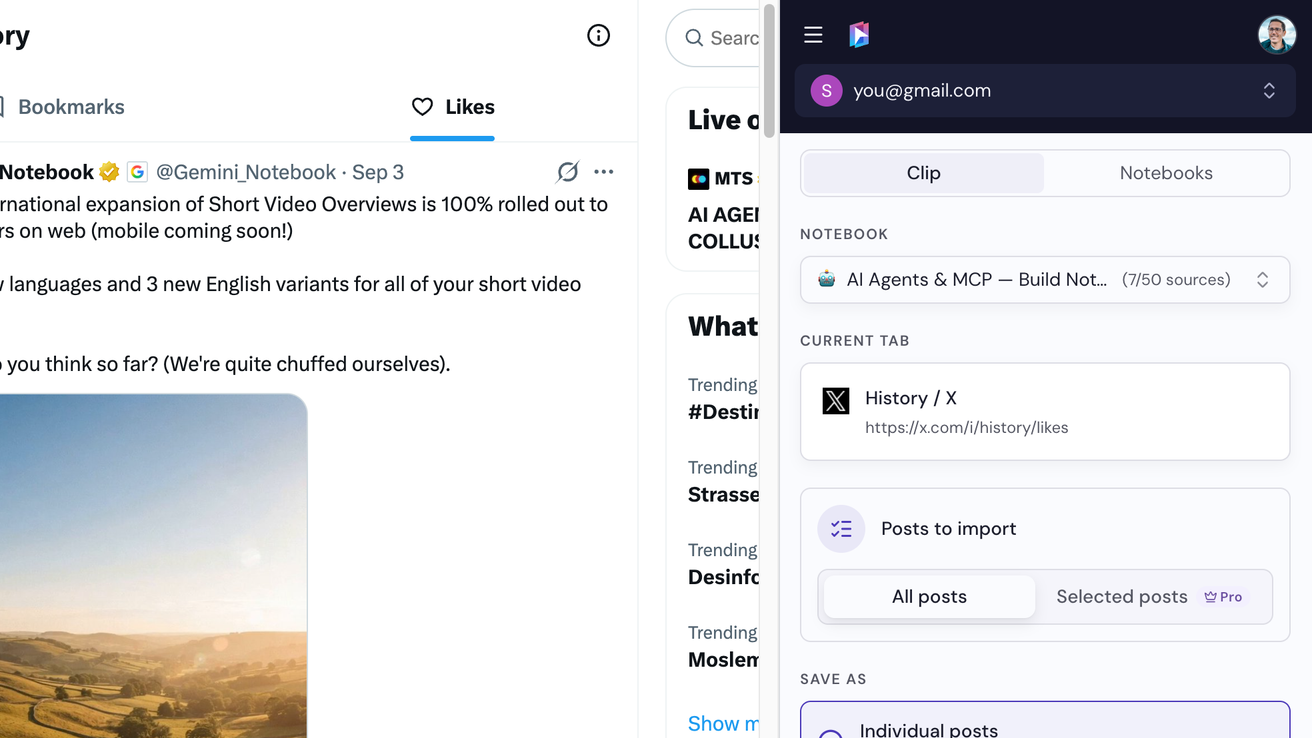
Select a notebook
A notebook is already selected at the top of the panel. Pick another one if you want, or click Create a notebook.
Choose how to save them
Under Save as, choose Individual posts to add each post as its own source, or Single combined source to add them all as one.
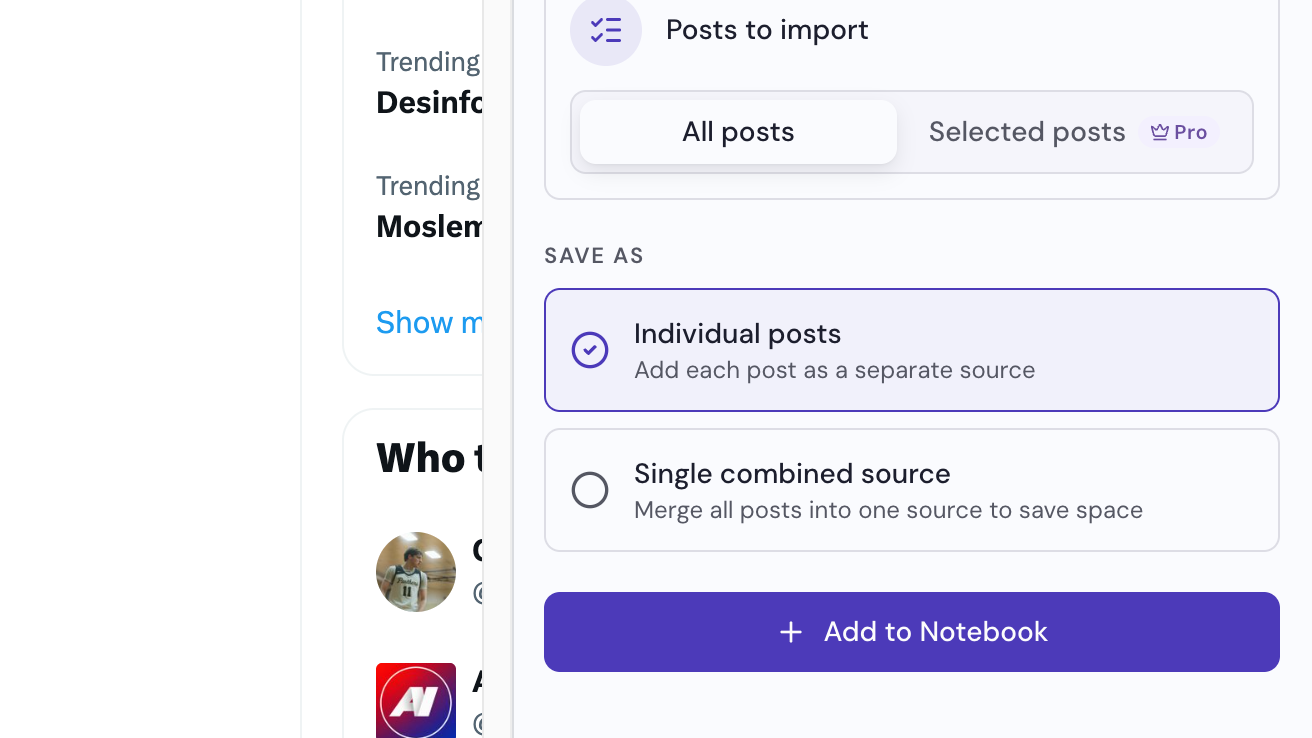
Click Add to Notebook
The button is at the bottom of the panel. You can keep browsing while the posts are added.